

Logo
The Rawback mark is an aperture around a backup arc: six blades for the camera, and a gradient core for the library your photos are kept in. Use the standard mark on light backgrounds and the reversed mark on dark ones. The web app icon places the reversed mark on the app's night surface — the same tile the browser shows when Rawback is installed.

Mark
2048pxFor light backgrounds. Transparent.




Mark, reversed
2048pxFor dark backgrounds and photography. Transparent.




Web app icon
1024pxThe installed web app and the Apple touch icon.



Pick SVG wherever it is accepted — it stays sharp at any size. The PNGs have a transparent background, except for the icons, which are opaque tiles.
iOS app icon
The icon exactly as it ships on the App Store, in all three appearances iOS offers. The files are square and full-bleed, because iOS applies its own rounded mask — the previews here show that mask.

App icon
1024pxThe default Home Screen icon.


App icon, dark
1024pxShown when the Home Screen is set to dark.


App icon, tinted
1024pxGreyscale art that iOS recolours. Transparent.
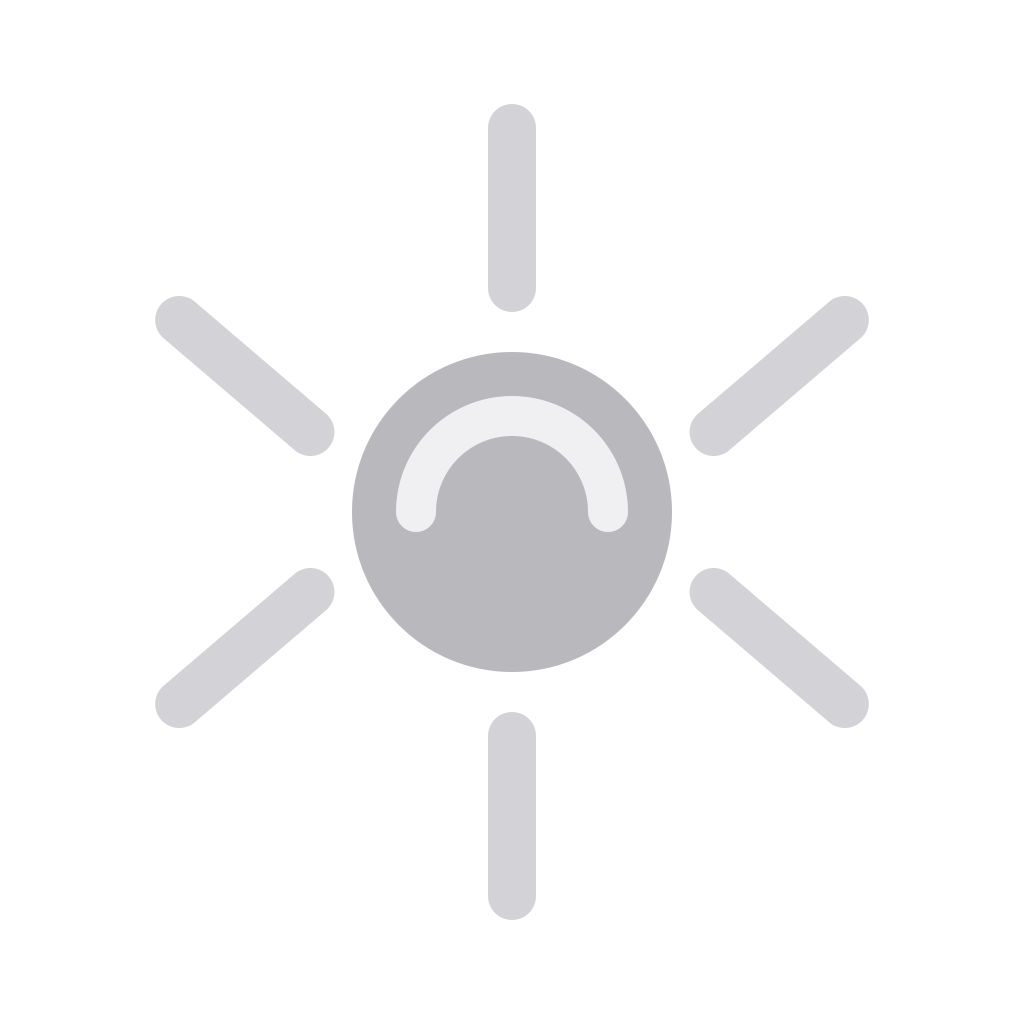
Referencing the App Store
To link to the app, pair the icon with Apple’s official “Download on the App Store” badge from Apple’s marketing resources, rather than recreating it.
Colour
The core's gradient carries all the colour in the mark; everything else is neutral. Click a value to copy it.
Aperture gradient · 3 stops · 135°
Gradient
- CyanGradient start
- GreenGradient midpoint
- SandGradient end
Neutrals
- InkBlades on light
- MistBlades on dark
- NightApp surface
Interface accent
- TealAccent, light theme
- Teal, brightAccent, dark theme
Usage
The mark works best with nothing added to it. A few guidelines keep it recognisable wherever it appears.
DoGive it room
Keep clear space of at least a quarter of the mark’s width on every side.
DoMatch the ground
Use the reversed mark on dark backgrounds and photography.
16243248DoStay legible
Don’t reproduce the mark smaller than 16px on screen.
Don’tStretch or squash
Always scale the mark proportionally.
Don’tRecolour
Keep the gradient core and neutral blades as supplied.
Don’tAdd effects
No shadows, glows, outlines or bevels.
Don’tLose contrast
The dark-bladed mark disappears on a dark ground.
Terms of use
These assets are provided so you can refer to Rawback — in articles, reviews, tutorials and integrations. Please don't modify them, combine them with other marks, or use them in a way that suggests Rawback sponsors or endorses you.
For anything these files don't cover, or for higher-resolution artwork, write to [email protected].